

All about Networks Wi-FiHave you ever wondered why the Wi-Fi in your home sometimes seems so unstable?
A internet connection is crucial to our daily lives, whether for work, communication or entertainment. However, problems with sign are common and can be caused by various factors.
In this article, we'll explore the main issues affecting your network and provide tips practices to improve your internet connection. Understanding how to optimize your Wi-Fi network can make a big difference to your online experience.
What is a Wi-Fi Network and How Does it Work?
Wi-Fi networks are an integral part of our daily lives, but do you know how they work? In essence, a Wi-Fi network allows devices to connect to the internet or to each other without the need for cables. This is possible thanks to radio waves that propagate through the environment.
Understanding Frequencies: 2.4 GHz vs 5 GHz
Wi-Fi networks operate on two main frequencies: 2.4 GHz and 5 GHz. Choosing the right frequency can affect signal quality.
The 2.4 GHz frequency offers wider coverage, but is more susceptible to interference. The 5 GHz frequency provides faster speeds and less interference, but has a more limited range.
| Frequency | Coverage | Speed | Interference |
|---|---|---|---|
| 2.4 GHz | Wide | Moderate | High |
| 5 GHz | Limited | Fast | Low |
How Radio Waves Affect the Signal
Wi-Fi radio waves propagate from shape semelhante às ondas na água, irradiando a partir do roteador.
However, obstacles physical structures such as walls and large pieces of furniture can block or weaken these waves, affecting the signal quality.
In addition, the distance between the router and the devices also plays a crucial role, as radio waves naturally lose strength as they move away from the source.
Strategic positioning of the router
Positioning your router strategically is crucial to maximizing the range of the Wi-Fi signal in your home or office. Proper positioning can avoid obstacles and significantly improve the quality of your connection.
The Importance of Central Location
Placing the router in a central location is vital to ensure that the Wi-Fi signal is distributed evenly throughout the desired area. This helps to minimize areas without coverage and maintain signal strength.
Avoid corners or isolated areasThis can limit the range of the signal. Instead, opt for a position that is more or less equidistant from all points of use.
Ideal height for the router
The height at which you place the router is also crucial. Experts recommend positioning the device at least 1.5 meters from the floor to improve signal range. This helps to avoid obstacles such as furniture, which is usually at the bottom of the room.
- Positioning the router in high places, such as high shelves, helps to reduce physical barriers.
- The router's antennas should be pointed upwards to ensure the best signal propagation.
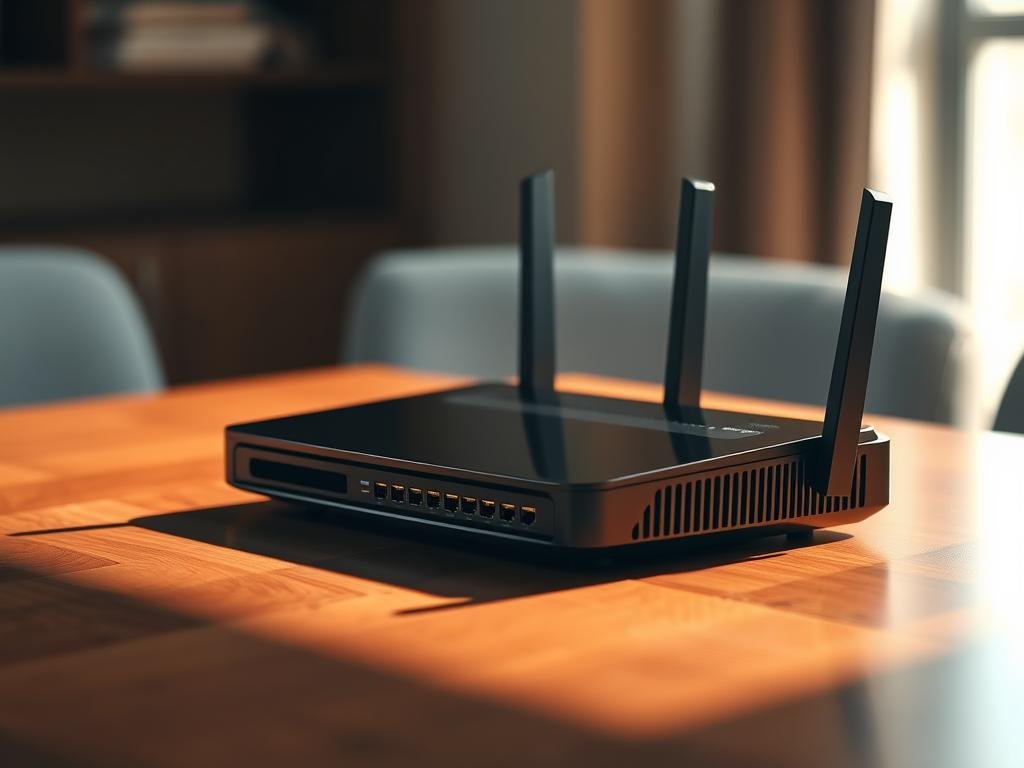
By following these tips, you can significantly improve your Wi-Fi signal and ensure a more stable and faster connection.
Obstacles that interfere with the Wi-Fi signal
The Wi-Fi signal can be affected by various obstacles, both physical and electronic. This means that not only walls and furniture, but also other devices, can influence the quality of your connection.
Objects and Structures that Block the Signal
Objects and structures in and around your home or office can block or weaken the Wi-Fi signal. Thick walls, especially those made of concrete or bricks, are major obstacles. In addition, large pieces of furniture and even mirrors can affect signal propagation.
Electronic Devices that Cause Interference
In addition to physical obstacles, electronic devices can also interfere with the Wi-Fi signal. Cordless phones, especially those operating on the 2.4 GHz frequency, are known to cause interference.
Other devices such as microwave, baby monitors and Bluetooth devices can also affect your router's performance.
According to experts, changing the frequency of your router or separating devices that cause interference can help improve the Wi-Fi signal.
Além disso, é importante estar ciente de que muitos aparelhos eletrônicos domésticos operam na mesma frequência de 2.4 GHz utilizada pelos roteadores Wi-Fi, o que pode causar interferência.
All about Wi-Fi Networks: Tips to Improve the Signal
Improving your Wi-Fi signal is crucial for a more stable and faster internet experience. There are several strategies you can adopt to strengthen your connection.
Restart the Router Regularly
Restarting the router regularly can solve connectivity problems and improve network performance. This helps to clear the cache memory and reset the settings.
Update Your Router's Firmware
Maintaining firmware of your router is essential to ensure the security and performance of your Wi-Fi network. Check your network and update the firmware whenever necessary.
Change Network Name and Password
Changing the name (SSID) and password of your Wi-Fi network periodically increases security and can improve performance. This automatically disconnects unauthorized devices that may be using your network.
- Changing the network name and password periodically increases security.
- Automatically disconnects unauthorized devices.
- It is important to create a complex password with letters, numbers and special characters.
When you change the password, you will need to reconnect all your legitimate devices with the new credentials. This helps prevent unauthorized persons access your network.
Technical Settings to Optimize Wi-Fi
To optimize your Wi-Fi network, it's crucial to adjust some technical settings on your router. This involves choosing the right Wi-Fi channel and configuring the appropriate security protocols.
Choosing the Best Wi-Fi Channel
Choosing the right Wi-Fi channel can reduce interference and improve the connection. Wi-Fi channels are like radio bands; if too many devices are using the same channel, there can be congestion and loss of signal.
Use Wi-Fi analysis tools to identify the least used channel in your area and set your router to that channel.
Security protocols: WPA and WPA2
The security of your Wi-Fi network is just as important as its performance. WPA2 is the most secure security protocol currently available for home networks, surpassing the old WEP e WPA.
Using outdated protocols can expose your network to security risks and compromise your connection. Make sure you configure your network with WPA2 to protect your data and prevent unauthorized access.
- Security protocols protect your network from unauthorized access and can also affect performance.
- WPA2 is currently the most secure and recommended standard for home networks.
- Configuring network security correctly not only protects your data, but also prevents unauthorized people from consuming your internet bandwidth.
Solutions to Extend Wi-Fi Reach
There are various solutions for improving the coverage of your Wi-Fi network. If you're experiencing connection problems in different parts of your home, it's time to consider some options.
Wi-Fi signal repeaters can be a good choice for extending the reach of your network.
Signal Repeaters: How They Work
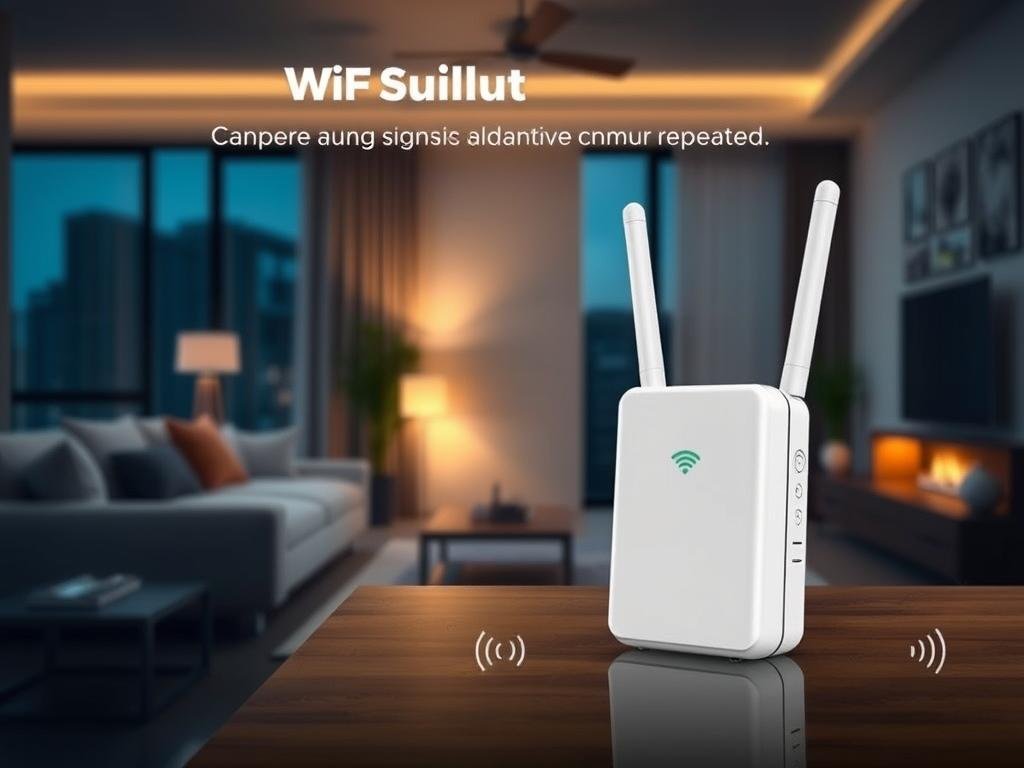
Wi-Fi signal repeaters are devices that receive the signal from your router and relay it to more distant areas, eliminating no-signal zones. They are easy to install and configured to work with most routers.
Mesh Technology: The Modern Solution
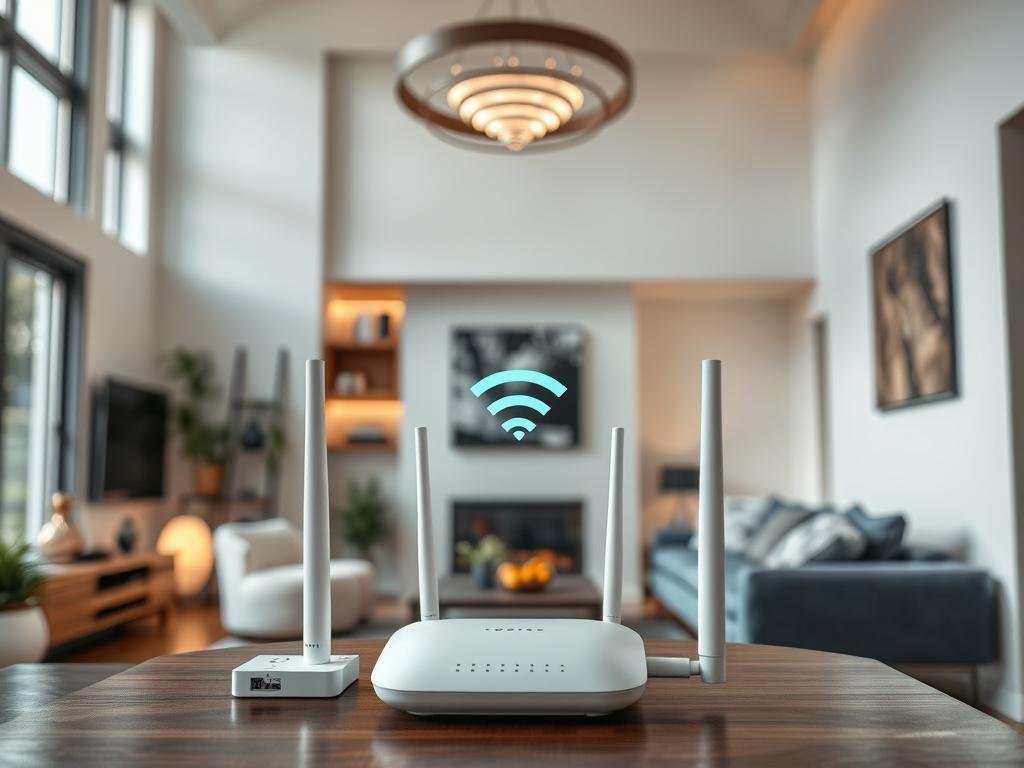
A tecnologia Mesh é uma solução avançada que utiliza vários dispositivos interconectados para fornecer uma cobertura Wi-Fi uniforme em toda a área. É ideal para casas grandes ou com muitos obstáculos que interferem no sinal.
When to Consider a New Router
If your router is old, it may be time to consider buying a new one. Modern routers support higher speeds and more devices connected simultaneously, improving the efficiency of your Wi-Fi network.
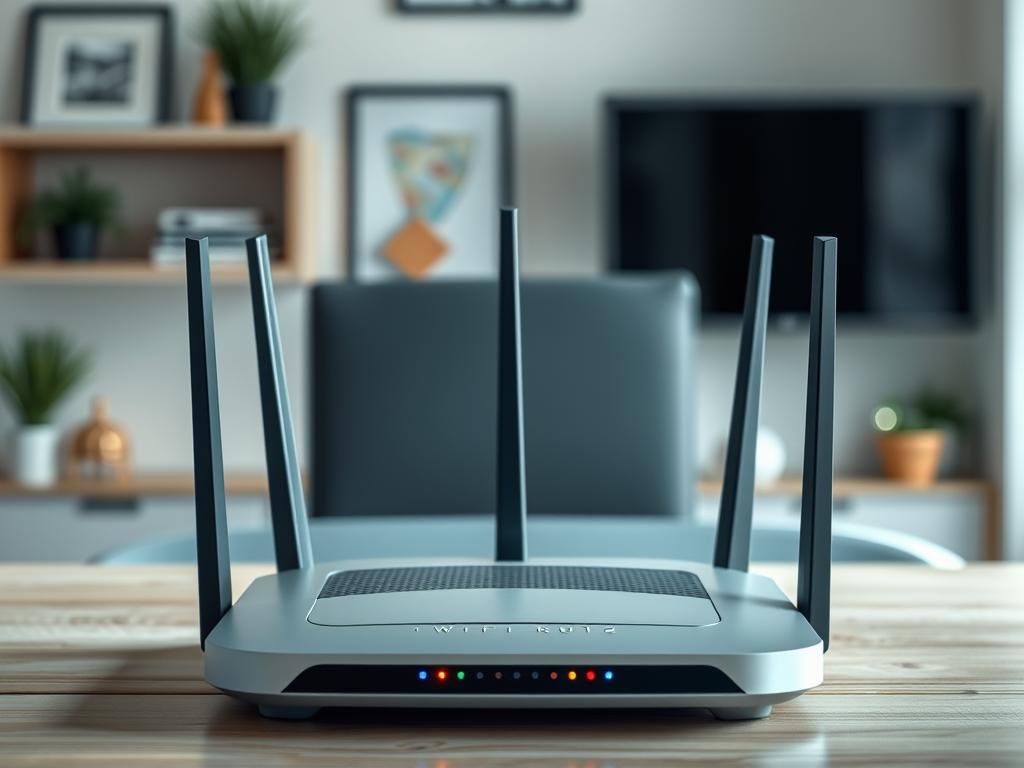
When choosing a new router, consider the speed of your internet connection, the number of devices in your home and the size of the area to be covered.
Além disso, tecnologias como MU-MIMO permitem que o roteador se comunique com múltiplos dispositivos simultaneamente, melhorando a eficiência da sua connection.
Conclusion
A good Wi-Fi connection is crucial for a satisfactory digital experience. To improve Wi-Fi signal in your homeThere's no need to spend a lot or get complicated. Small adjustments, such as proper positioning of the router and the elimination of interference make a big difference.
A regular maintenance of the router, including restarting it and updating its firmware, prevents many problems connection.
To houses solutions such as repeaters or Mesh systems may be necessary. Remember that each environment is unique, and it may be necessary to combine different strategies to find the ideal solution for your needs. network Wi-Fi.
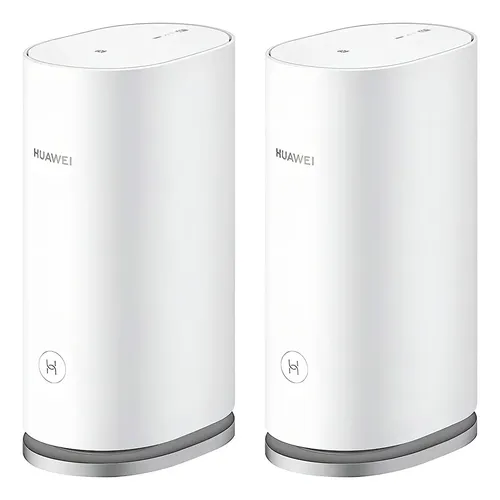
- Cobertura de até 400 metros quadrados com sistema Mesh que elimina pontos cegos e mantém estabilidade em toda a casa. | …
FAQ
Q: What is the best frequency for my Wi-Fi network?
A: The choice between 2.4 GHz and 5 GHz depends on your environment. The 2.4 GHz frequency offers greater range, but can suffer from interference from other devices. The 5 GHz frequency offers faster speeds and less interference, but has a more limited range.
Q: How can I improve Wi-Fi coverage in my home?
A: Position your router in a central, elevated location. Also, consider using signal repeaters or Mesh technology to extend coverage.
Q: What objects can interfere with my Wi-Fi signal?
A: Thick walls, mirrors and other metal objects can block or weaken the Wi-Fi signal. Electronic devices such as microwaves and cordless phones can also cause interference.
Q: Why should I restart my router regularly?
A: Restarting the router regularly can solve connection problems and improve network performance. This helps to clear the cache memory and re-establish the connection.
Q: What's the difference between WPA and WPA2?
A: WPA (Wi-Fi Protected Access) and WPA2 are security protocols for Wi-Fi networks. WPA2 is a more secure and updated version of WPA, offering better protection against unauthorized access.
Q: How do I choose the best Wi-Fi channel for my network?
A: Use Wi-Fi spectrum analysis tools to identify the least congested channels in your area. This can help minimize interference and improve connection quality.
Q: When should I consider buying a new router?
A: If you are experiencing persistent connection problems, slow speeds or inadequate coverage, it may be time to consider upgrading to a more modern and powerful router.